← Back to Documentation Index
Page 7
Voxy Asset List
Each voxy asset has only one single asset in the list.
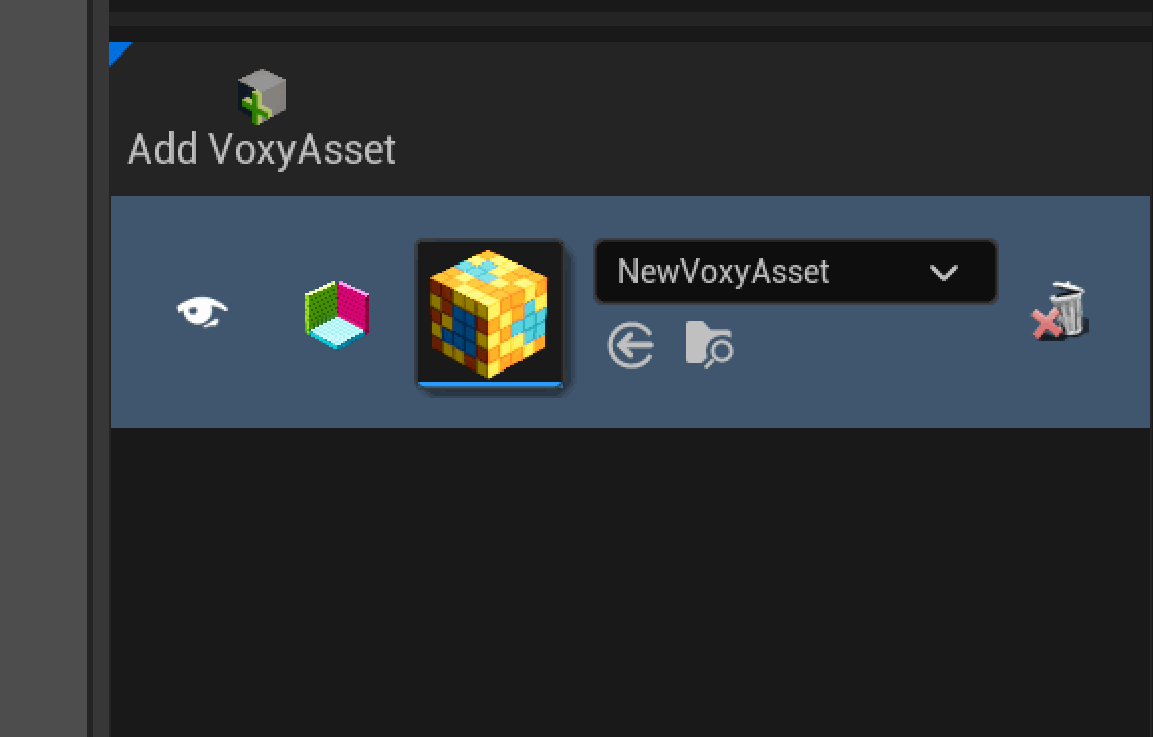
You can create a VoxyBundle that can hold more than one asset in it by using the “Add VoxyAsset” option at the top.
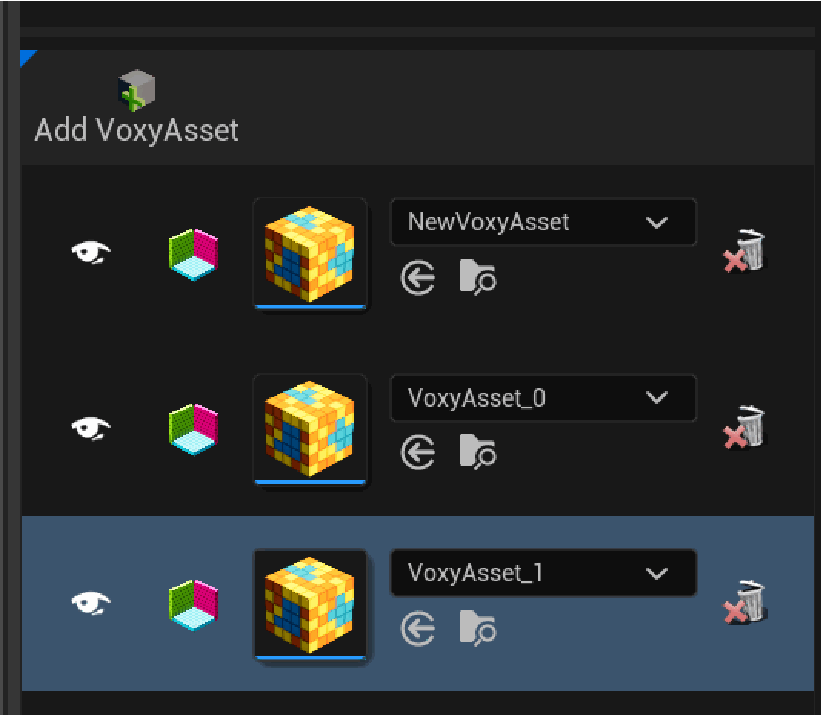
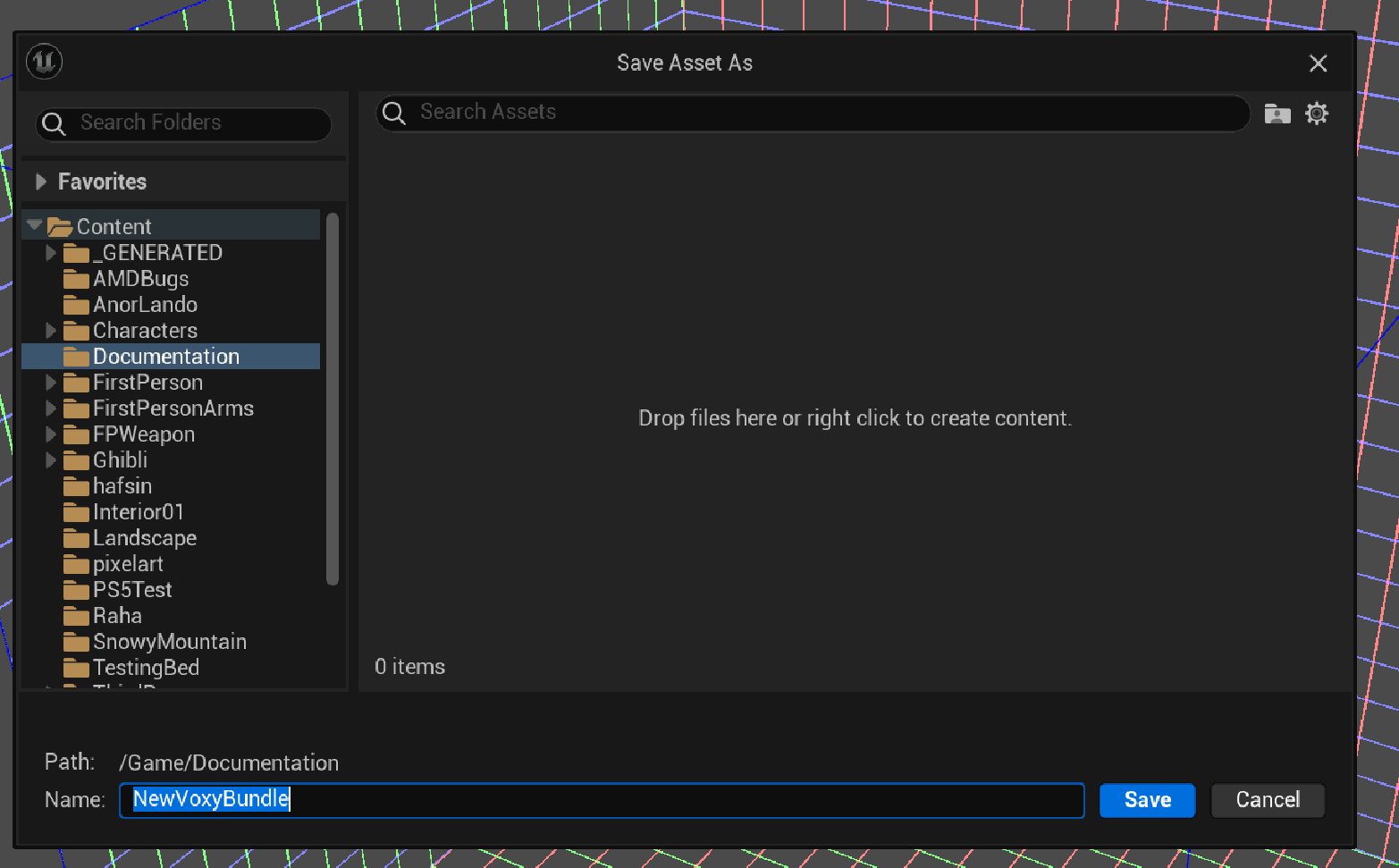
After adding another VoxyAsset when you hit the Save button it will ask you where to Save the extra VoxyAssets.
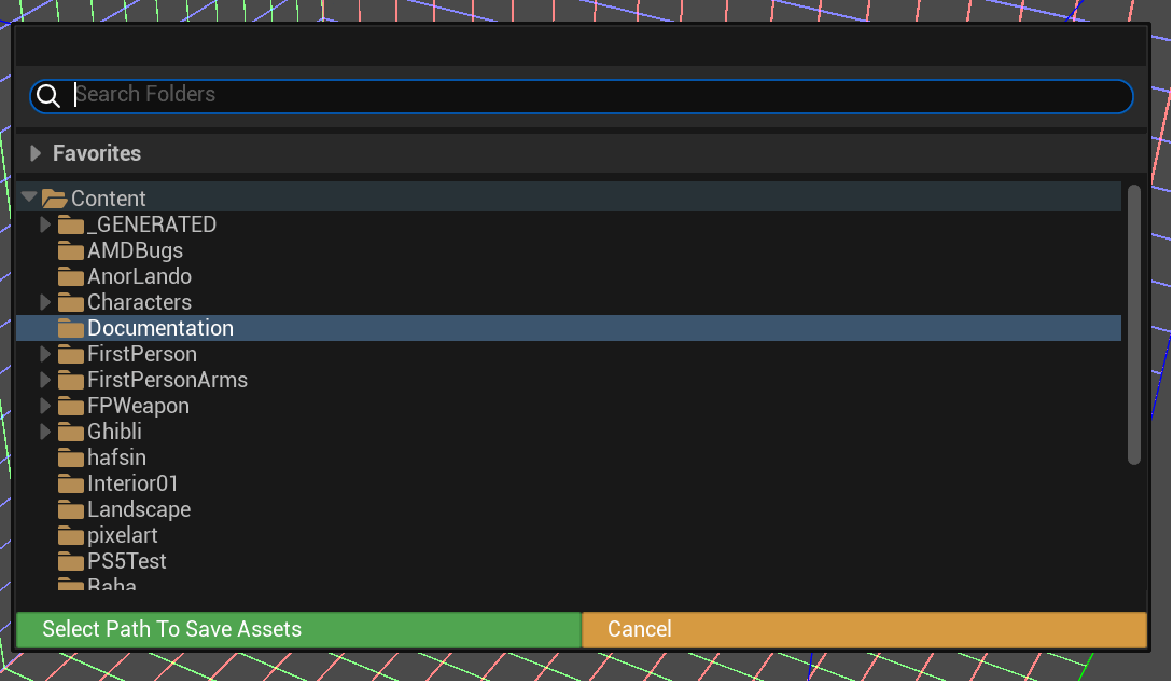
A Save Dialog to save the VoxyBundle.
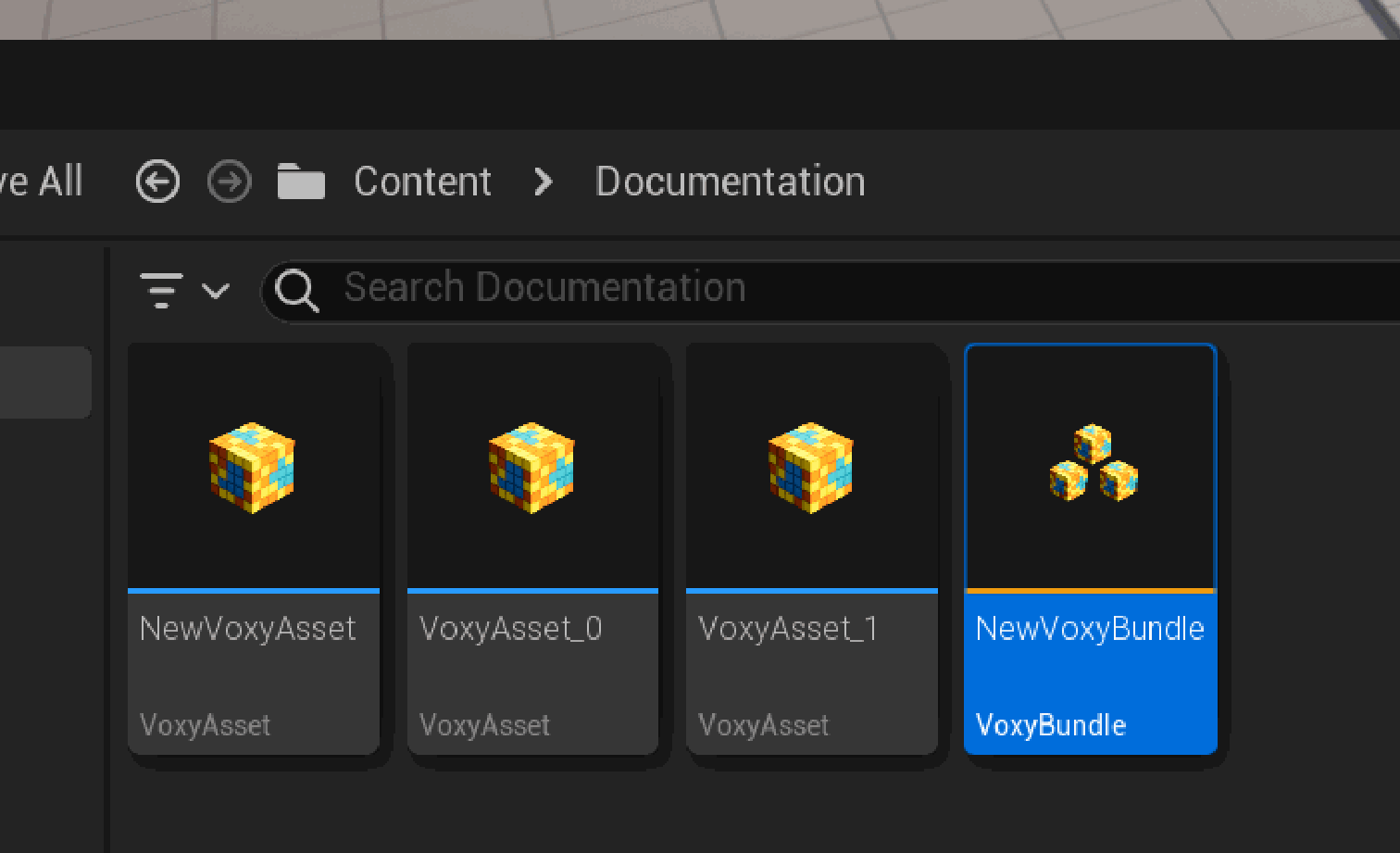
Next time when you want to edit all those VoxyAsset together you can open the saved VoxyBundle from the Content Browser.